| rw-r--r-- | christian | 3K | April 2 2020 | Ducky_Year_of_the_Horse.md |
Ducky Year of the Horse
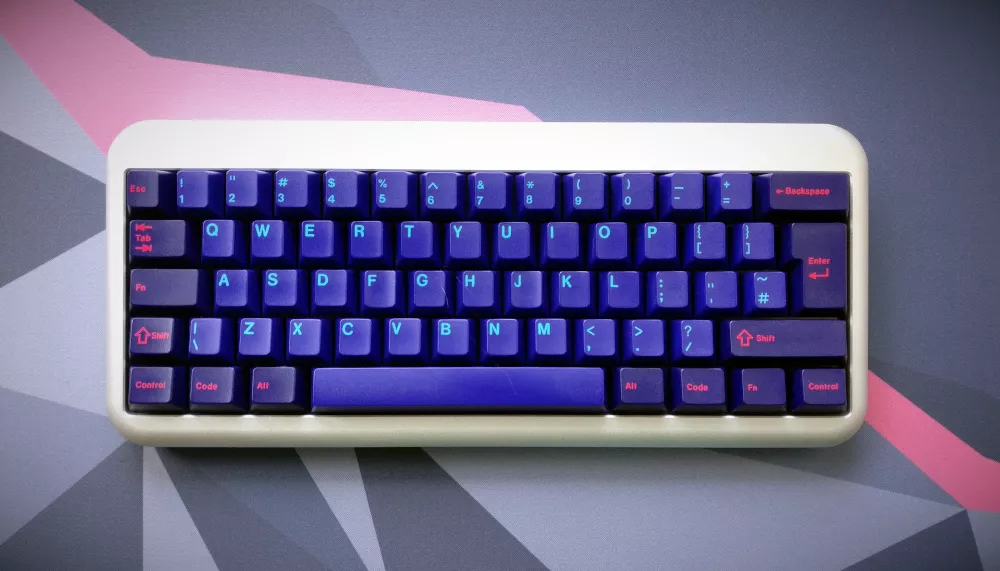
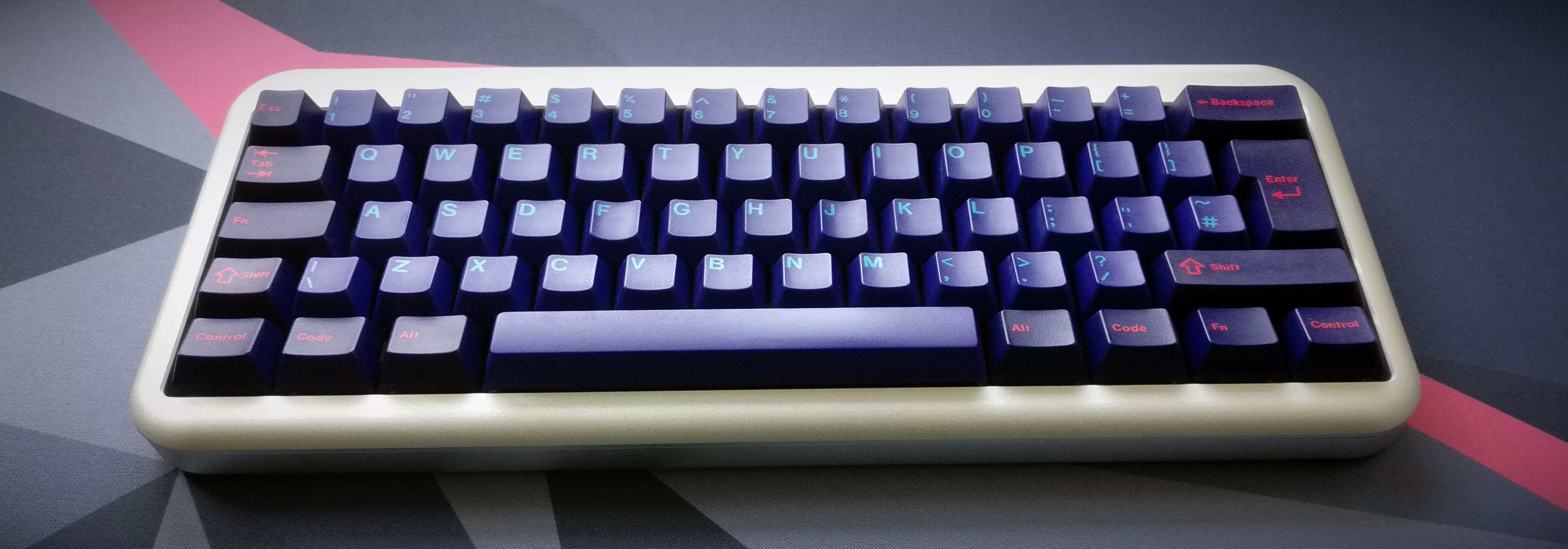
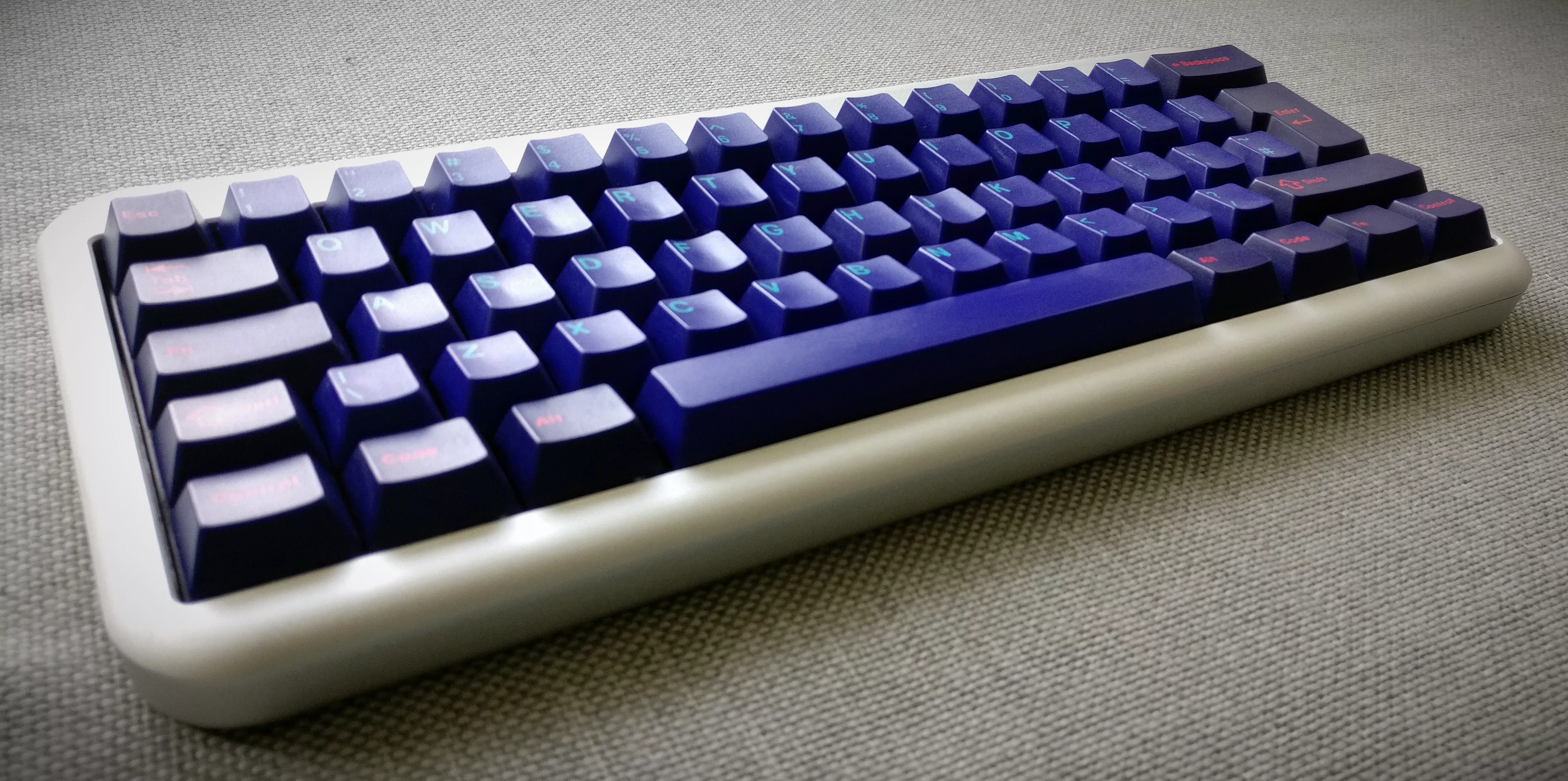
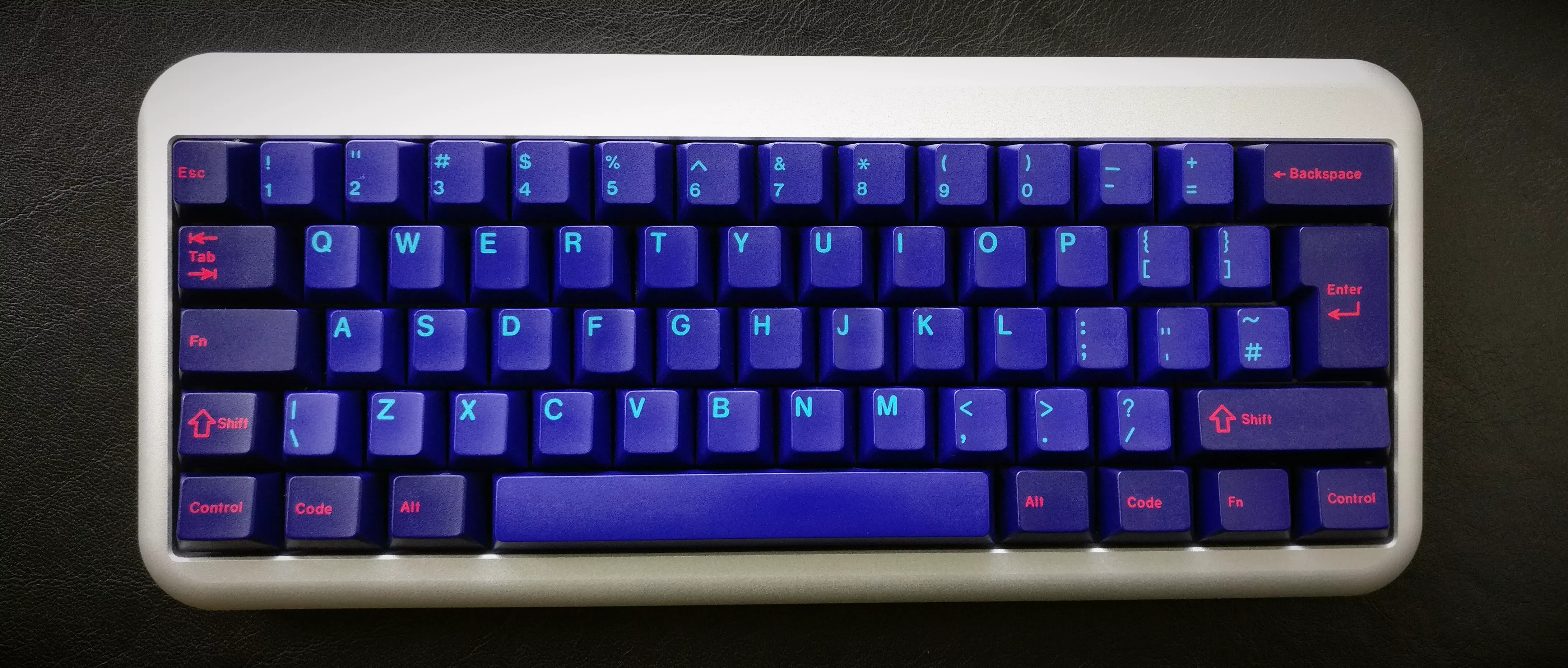
The 2014 Ducky Limited Chinese Zodiac edition was my first 60% keyboard and the first (and last?) non-programmable one. In 2017 I replaced the default keycaps with GMK Laser.
Facts⌗
| Model no. | Year of the Horse |
| Manufacturer | Ducky |
| Manufacture Date | 2014 |
| Case | Two pieces milled aluminium |
| Switches | Cherry MX Blue |
| Keycaps | GMK Laser |
| Dimensions | 310 × 130 × 30 mm |
| Weight | 1300 grams |
| Controller/Software | Ducky |
Highlights⌗
After my first “modern” mechanical keyboard with Cherry MX Brown switches, I wanted to switch to heavier switches because the MX Browns felt too light. After some research on the interwebs, I ordered a Ducky Shine 3 with Cherry MX Green switches. I had to send back the board twice because of failing LEDs after a couple of days of use, and I was not very impressed with Ducky. Also, the MX Greens are way too heavy for daily use.
After a while, I stumbled over a video by Ducky teasing the Year of the Horse edition of the Ducky Mini. So I took the risk and trusted Ducky once more and ordered this keyboard. The LEDs are still working but are not used anymore because I replaced the keycaps.
After a few days of getting used to it, I was hooked on the 60% layout and stuck with it until 2019. I am really into optimising workflows with tools, shortcuts, etc., and a smaller keyboard prevents switching to e.g. the arrow keys and function keys, which I use quite often.
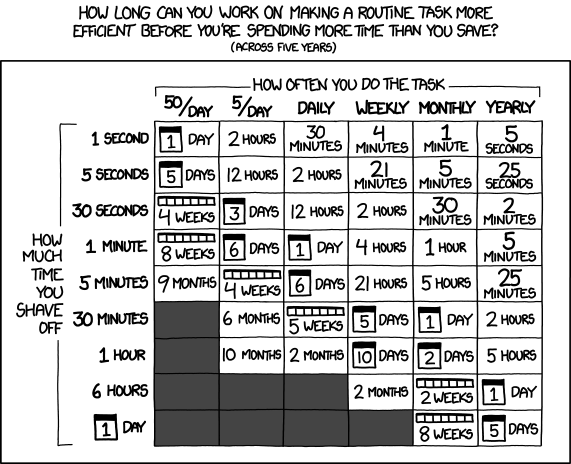
from xkcd
Sounds⌗
| Switch | Keycaps | |
|---|---|---|
| Cherry MX blue | GMK |
Layouts⌗
Since this keyboard is not programmable, it uses the default German-ISO layout. The function layer key is mapped to Caps Lock.
Images⌗